YouTube Not Working? How to Fix Common Problems

If YouTube is not working, videos may keep buffering, the app may crash, or you may see a black screen with no picture or sound. These problems are often caused by a weak internet connection, an outdated app, browser extensions, corrupted temporary files, or a temporary YouTube service disruption. Before resetting your device or reinstalling … Read more
How to Connect Google Sheets to ChatGPT: Easy Guide

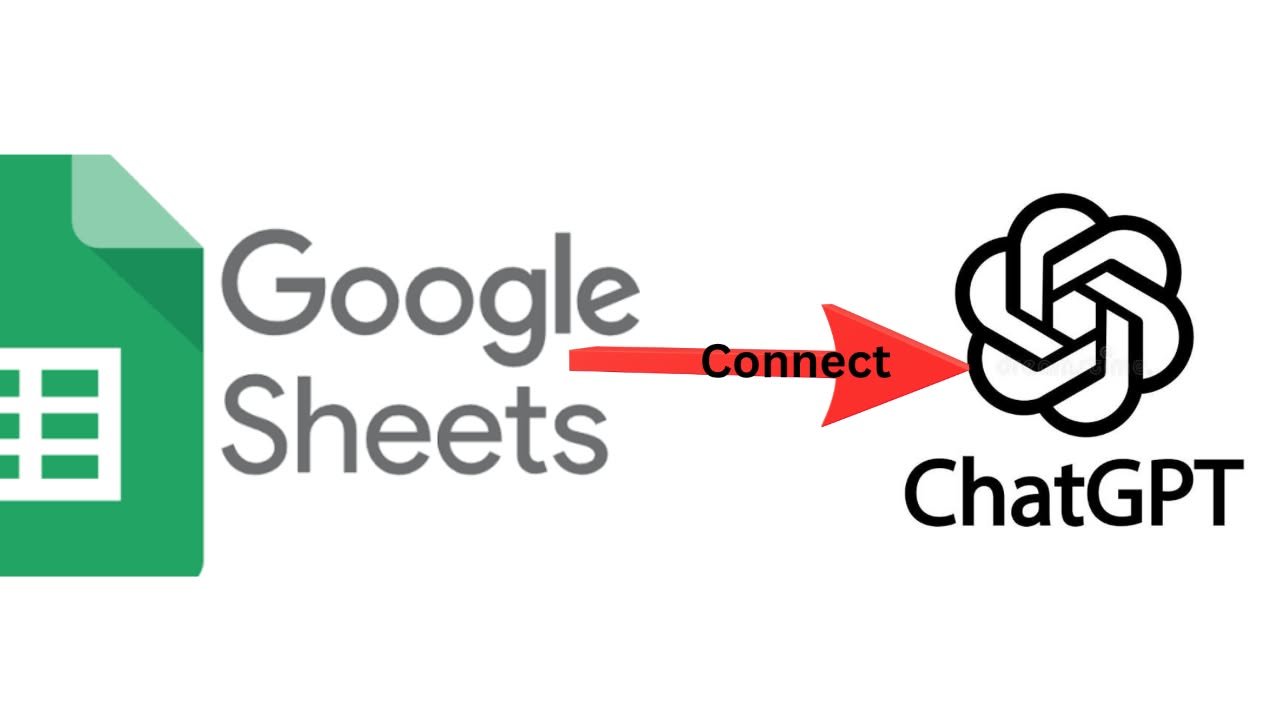
How to Connect Google Sheets to ChatGPT

If you spend hours working with spreadsheets, the challenge is often analyzing data, checking formulas, cleaning information, and creating useful summaries. Learning how to connect Google Sheets to ChatGPT can simplify these tasks. In 2026, ChatGPT for Google Sheets allows supported users to work with spreadsheets directly in Google Sheets, while Google Drive can connect … Read more

How to Use ChatGPT for Programming: A Practical Beginner’s Guide

If you’re wondering how to use ChatGPT for programming, use it as a coding assistant rather than blindly copying complete applications. Ask it to explain errors, plan solutions, write small code sections, create tests, review code, and improve existing programs. This approach is especially useful for beginners because it helps you learn as you solve … Read more

8 Best AI Tools for Content Creators to Create Better Content Faster

Best AI Tools for Content Creators include ChatGPT, Google Gemini, Claude, Canva AI, Grammarly, Notion AI, Perplexity AI, Adobe Express AI, Descript, and Jasper AI. These tools help you create content faster by assisting with writing, research, design, video editing, SEO, and project management. This guide compares the Best AI Tools for Content Creators, highlighting … Read more

10 Best Budgeting Apps for Beginners: Features, Costs, and Limitations

The best budgeting app for a beginner is one that helps you understand your spending without making money management more complicated. Some apps let you create a monthly budget manually, while others connect to your bank, track subscriptions, or help you save automatically. Before choosing one, compare its features, subscription costs, and country restrictions. An … Read more

8 Best Budgeting Apps for Couples: Shared Expenses, Bills, and Savings

Managing money as a couple does not mean you must combine every bank account. The best budgeting apps for couples help partners track household bills, coordinate contributions, protect personal spending boundaries, and save toward shared goals. Whether you split expenses equally, contribute according to income, or manage a joint account, the right app can make … Read more

8 Best Note Taking Apps for Android: Free Features, Offline Access, and Sync

The best note-taking apps for Android depend on what you need to save and how you want to access it later. Google Keep is ideal for quick notes and reminders, Microsoft OneNote works well for detailed study notes, Samsung Notes excels at handwriting on compatible Galaxy devices, and Obsidian is suited to building a personal … Read more

What Is Gemini AI? Features, Uses, Limitations, and Privacy

What Is Gemini AI

Google Gemini AI is Google’s AI assistant, powered by a family of artificial intelligence models developed by Google DeepMind. It can help you write, summarize documents, analyze supported images and files, generate code, brainstorm ideas, and answer questions. Depending on the feature and your account, Gemini can also connect with Google services and assist with … Read more

How to Cancel ChatGPT Subscription

How to Cancel ChatGPT Subscription

If you want to stop paying for ChatGPT Plus or Pro, cancel your subscription through the platform where you purchased it. For subscriptions purchased on the ChatGPT website, open your account settings and look for Billing or the plan-management option. If you subscribed through Apple’s App Store or Google Play, cancel through your Apple or … Read more

How to Clear Phone Storage on Android and iPhone

How to Clear Phone Storage

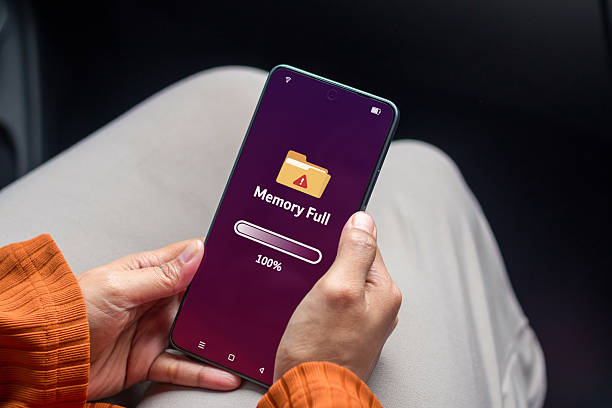
How to clear phone storage depends on what’s taking up space. Start by checking your phone’s storage settings, then remove unnecessary photos and videos, delete old downloads, manage messaging app media, and uninstall apps you no longer use. Android users can also clear individual apps’ cache, while iPhone users can review storage recommendations and offload … Read more