PayPal Payment Failed Or Declined? Causes, Checks, and Safe Next Steps

PayPal Payment Failed Or Declined

If you see a PayPal payment failed or declined message when buying something online, sending money, or completing checkout, the cause may be your bank, card, PayPal account, payment method, or the merchant’s checkout. Start by reading the exact error message, checking your PayPal Activity, and reviewing your payment method. PayPal identifies bank or card declines, … Read more
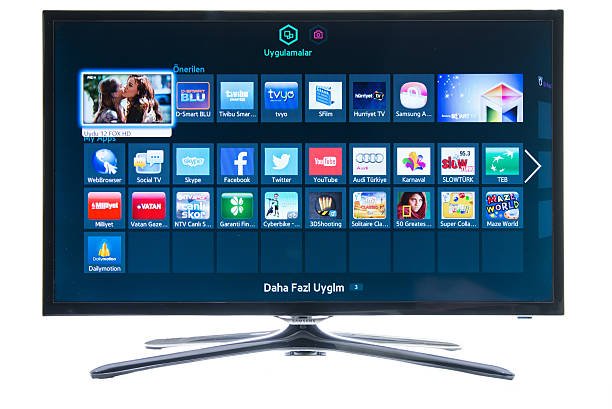
Samsung Smart Hub Not Working? How to Fix It

If Samsung Smart Hub is not working, your TV may fail to open the Home screen, load apps, connect to Samsung services, or display the Apps section correctly. The problem can come from an unstable internet connection, outdated TV software, a temporary system glitch, or an issue with Smart Hub itself. Start by restarting your … Read more

Samsung apps not working on TV? Fix Loading, Crashing, and App Errors

Samsung apps not working on TV

If Samsung apps are not working on your TV, the right fix depends on whether one app is failing or several apps have stopped working. A single app that freezes or refuses to open may have an app-specific problem, while multiple failing apps can point to an internet connection, TV software, or Smart Hub issue. … Read more

Instagram Not Loading? Fix Photos, Stories, and Reels

Instagram Not Loading

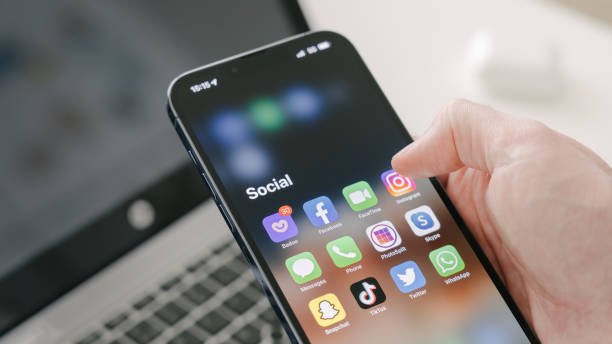
If Instagram is not loading photos, videos, Stories, or Reels, the cause may be your internet connection, the Instagram app, your phone settings, or a temporary problem with Instagram itself. Start by switching between Wi-Fi and mobile data, checking whether other websites work, and reopening Instagram. If the problem continues, update the app, clear its … Read more

Instagram Login Problems: Password, Code and Recovery Fixes

Instagram Login Problems

Instagram login problems can happen when your password is incorrect, a verification code does not arrive, your account details have changed, or Instagram asks you to confirm your identity. The right solution depends on the message you see when you try to sign in. Start by checking your username, email address, or phone number. If … Read more

Best Apps for Productivity: 7 Tools to Organize Your Day

Best Apps for Productivity

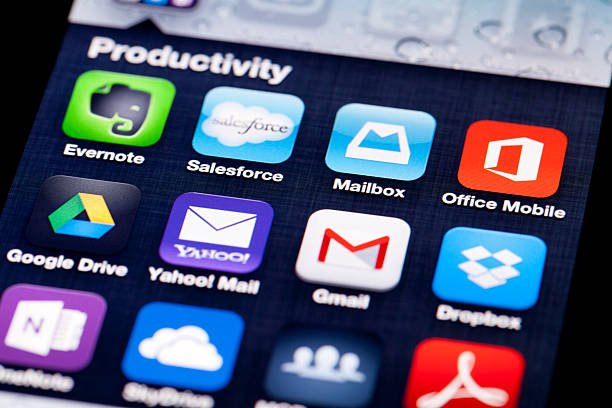
The best apps for productivity help you manage tasks, organize notes, plan your schedule, and keep track of projects without relying on memory alone. Some apps are designed for simple daily checklists, while others help you manage deadlines, organize research, or coordinate work with a team. For everyday task management, Todoist and Microsoft To Do … Read more

WhatsApp Web Not Opening? Fix Blank Pages, QR Codes, and Connection Problems

WhatsApp Web Not Opening can be caused by an unstable internet connection, browser problems, corrupted site data, network restrictions, or a failed linked-device session. Start by checking whether other websites load, then refresh WhatsApp Web and test it in a private browsing window. If the page still fails, try another browser or network and check … Read more

How to Recover a Disabled Instagram Account: Appeals and Official Recovery Steps

How to Recover a Disabled Instagram Account

If Instagram has disabled your account, you may be able to recover it by requesting a review through the official app or website. Start by trying to log in and reading the full message Instagram displays. If it offers an appeal or review option, follow those instructions and provide accurate information. However, a disabled account … Read more

WhatsApp Messages Not Sending? Diagnose Connection and Delivery Problems

WhatsApp Messages Not Sending

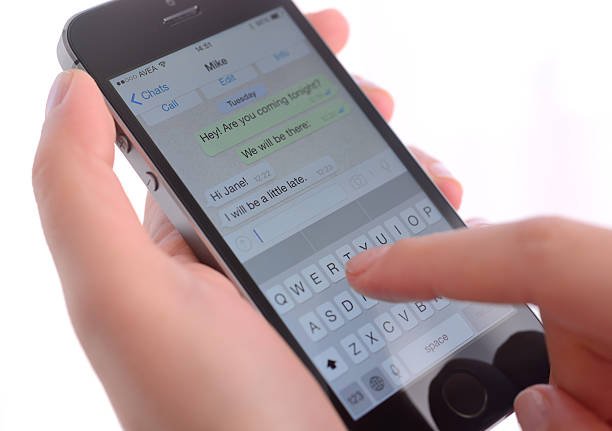
When WhatsApp messages are not sending, the first thing to check is the symbol beside the message. A clock icon means the message has not left your phone, while one grey tick means it has been sent but has not reached the recipient’s device. These situations have different causes and require different solutions. Most sending … Read more

WhatsApp Backup Stuck at 0% or 99%? Fix Google Drive and iCloud Problems

If your WhatsApp backup is stuck at 0%, 99%, or “Preparing backup,” start by checking your internet connection, phone storage, and cloud storage. Android backups use your Google Account, while iPhone backups use iCloud. Make sure the correct account is connected, WhatsApp is updated, and your phone has enough space to prepare the backup. These … Read more